Garage Door Remote In Centerville Stopped Working?
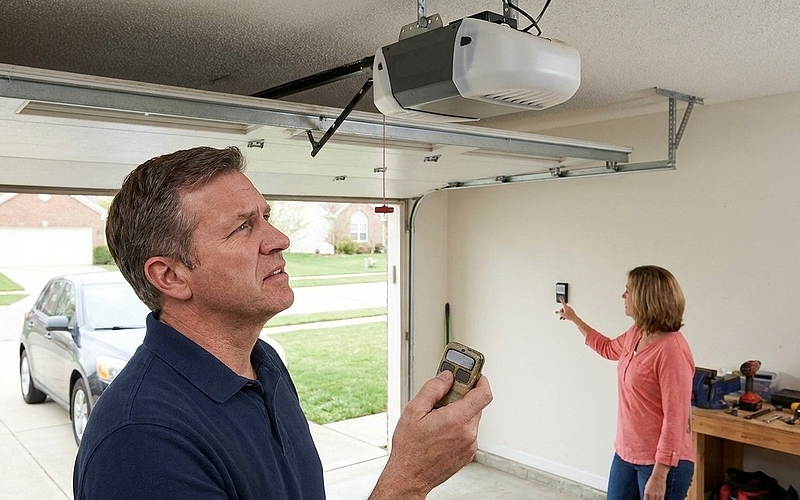
Most homeowners think their garage door remote is invincible until the day it isn't. You press the button. Nothing happens. You press it again — harder this time, like that'll help. Still nothing. Now you're standing in your driveway wondering if it's the battery, the signal, or something worse. The truth is, garage door remotes fail for a handful of reasons, and most of them are fixable without hiring anyone. But you need to know what you're looking for — and what to rule out first.
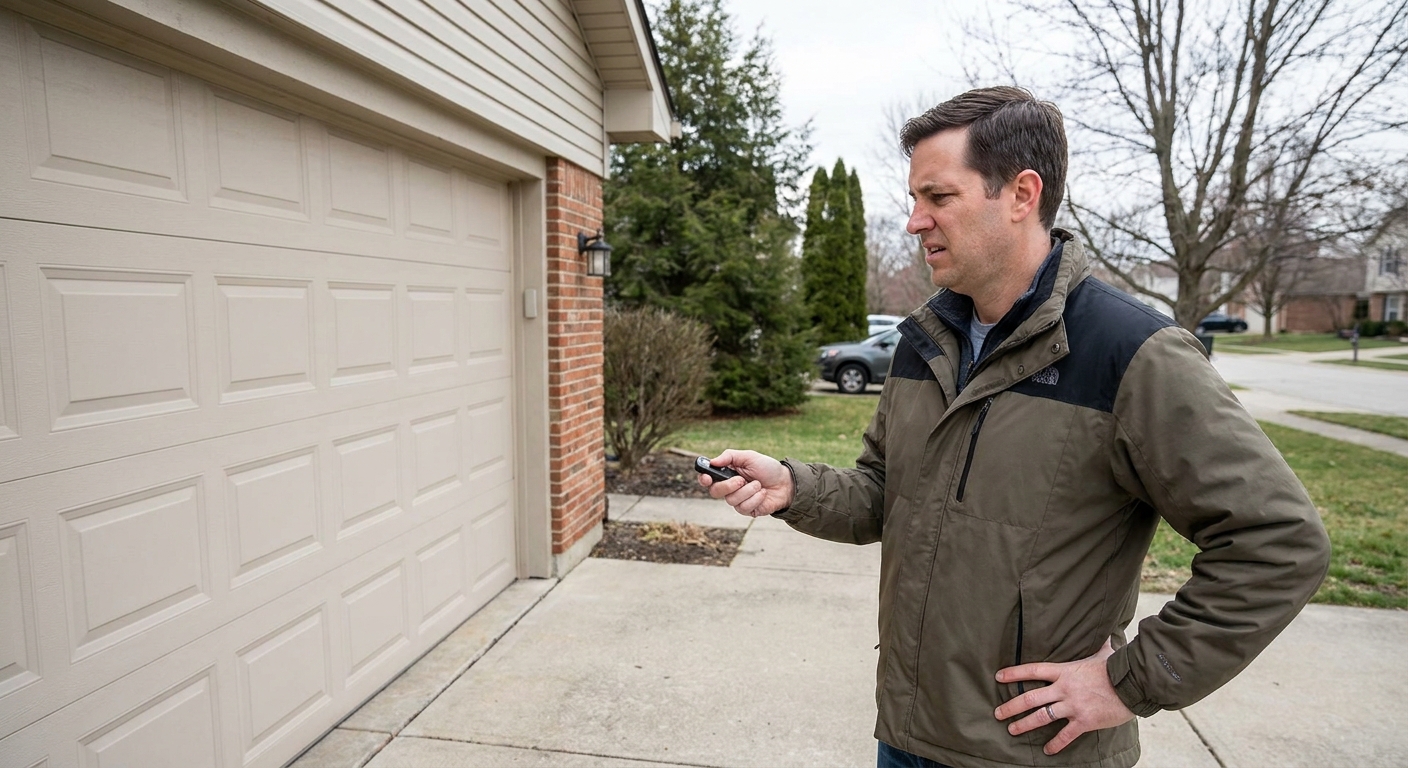
So here's what actually matters. Remotes rely on batteries, signals, and programming that all need to align for that door to move. When one of those breaks down, the whole system stalls. Every click should trigger a response. Every fix should start with the simplest explanation. And every decision about whether to repair or replace comes down to what failed and whether it's worth your time to chase it.
Why Your Remote Quit on You
More often than not, the issue isn't complicated. Garage door remotes stop working because something small got disrupted — power, range, or programming. The trick is identifying which one it is before you waste money on a replacement you don't need. Most failures fall into a few predictable categories, and knowing them saves you from guessing.
Here's where things usually go wrong:
- Battery drained completely or sitting loose in the compartment
- You're too far from the opener for the signal to reach
- Interference from electronics, LED bulbs, or nearby signals scrambling the connection
- Remote lost its pairing with the opener and needs to be reset
- Physical damage from drops, water, or wear broke internal components
- The opener itself has a blown fuse or faulty receiver
Start With the Obvious Fixes
Before you assume the worst, walk through the basics. We've seen too many people buy new remotes when all they needed was fresh batteries. Start with what's easy to test and move up from there. You'll eliminate half the possibilities in under five minutes if you follow the right order.
Here's the sequence that works:
- Swap the batteries first — don't just check them, replace them
- Stand directly in front of the garage and try the button again
- Turn off nearby devices or lights that might be causing interference
- Reprogram the remote using your opener's manual — usually a "learn" button sequence
- Inspect the remote for cracks, corrosion, or moisture damage
- Test the wall switch to confirm the opener itself is responding
Interference Isn't Always Obvious
Sometimes the remote is fine. The opener is fine. But the signal can't get through because something else in your home or neighborhood is jamming it. LED bulbs in the garage are notorious for this — they emit frequencies that clash with remote signals. Same goes for certain Wi-Fi routers, baby monitors, or even power lines nearby. If your remote works sporadically or only when you're right next to the door, interference is the likely culprit.
Try swapping out LED bulbs for incandescent ones temporarily. Move electronics away from the opener. If the remote starts working again, you've found your answer. It's not always permanent, but it's worth isolating the source before you spend money on fixes you don't need.
Reprogramming Takes Two Minutes
Remotes can lose their connection to the opener — especially after a power surge or if someone accidentally pressed the wrong button on the unit. Reprogramming sounds technical, but it's usually just pressing a button on the opener and then hitting the remote within 30 seconds. Most openers have a "learn" or "program" button somewhere on the motor housing. Check your manual or look it up by brand and model online.
If you've got multiple remotes and only one stopped working, reprogramming is almost always the fix. If none of them work, the issue is likely with the opener or the receiver inside it. Don't waste time trying to reprogram a dead unit.
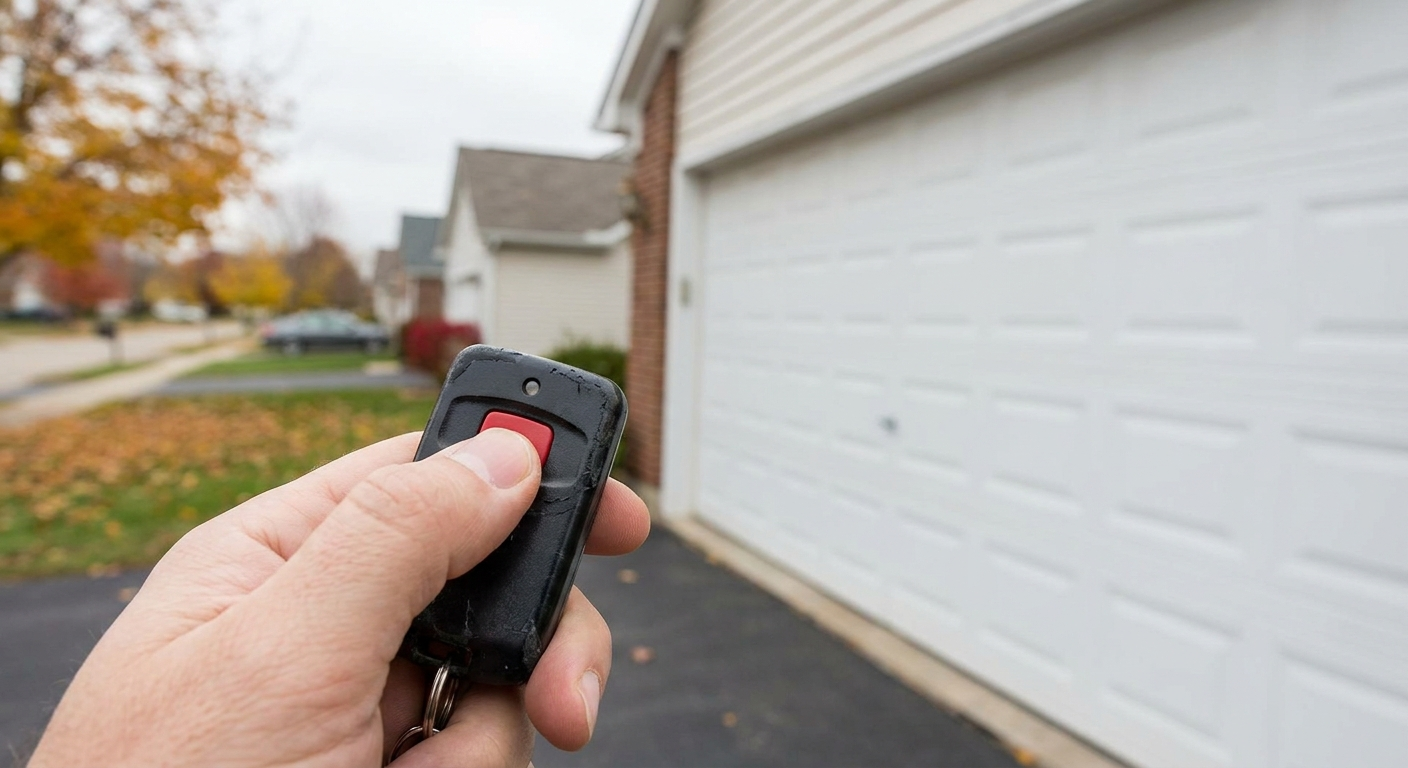
When the Remote Is Actually Dead
Physical damage or water exposure can kill a remote for good. If you've dropped it on concrete, left it in the rain, or noticed corrosion on the battery contacts, the internal circuit board might be fried. You can try cleaning the contacts with rubbing alcohol and a cotton swab, but if that doesn't work, it's time for a replacement.
New remotes are cheap — usually under $30. Just make sure you buy one that's compatible with your opener's brand and frequency. Universal remotes exist, but they don't always play nice with older models. Stick with the manufacturer's recommended replacement unless you're certain about compatibility.
When to Bring in a Pro
If you've replaced the batteries, reprogrammed the remote, ruled out interference, and the thing still won't work — and neither will the wall switch — the problem is with the opener itself. That's when you stop troubleshooting and start dialing. Blown fuses, bad circuit boards, or faulty receivers require tools and knowledge most homeowners don't have lying around.
A professional can also tell you if your opener is outdated or if it's cheaper to replace the whole system than to keep patching it. Recognizing common garage door opener issues early can help you make informed decisions about professional garage door repairs versus complete system replacement. Sometimes the repair costs more than starting fresh, and knowing when to make that call saves you time and money down the road.
Preventing Future Failures
Remotes don't last forever, but you can extend their life with basic upkeep. Replace batteries once a year, even if they still seem fine. Keep the remote clean and dry — don't leave it in your car during winter or summer extremes. If you drop it, open it up and check for loose components or cracks. A little attention now prevents bigger headaches later.
Here's what keeps remotes running longer:
- Annual battery replacement, no exceptions
- Store a backup remote somewhere safe in case the primary fails
- Keep remotes out of extreme heat, cold, or moisture
- Schedule regular opener maintenance to catch signal or receiver issues early
- Test the remote every few months to make sure it's still responding quickly
Your Garage Door System Needs Attention
A remote that stops working is annoying, but it's also a signal that something in your garage door system needs a closer look. Whether it's a dead battery or a failing opener, the fix is usually straightforward if you approach it methodically. Don't assume the worst, but don't ignore the warning signs either. Understanding top signs your garage door needs repair and following a garage door maintenance checklist can help you stay ahead of problems. Every system has a lifespan, and knowing when to repair versus replace keeps your home secure and your routine intact. Regular garage door maintenance in Thomaston ensures all components, including your remote system, work together reliably. For comprehensive solutions, explore Thomaston garage door services to keep your system running smoothly year-round.
At BusinessCapital.com, we help business owners make smart decisions about capital — and the same principles apply to your home systems. Address the small issues before they become expensive ones. Keep your systems maintained. And when it's time to upgrade, make sure you're doing it for the right reasons, not just because you didn't troubleshoot first.
Let’s Get Your Garage Door Remote Working Again
We know how frustrating it is when your garage door remote lets you down at the worst possible moment. If you’ve tried the quick fixes and your remote still isn’t cooperating, let’s solve it together. Give us a call at 762-319-2931 to talk through your options, or schedule an appointment and we’ll make sure your garage door is back to working reliably in no time.
‹ Back
Recent Posts
-
Garage Door Remote In Centerville Stopped Working?
August 12, 2026
-
-
-
Garage Door In Centerville Won't Close All The Way?
July 1, 2026
-
Can A Garage Door In Centerville Warp From Summer Heat?
June 17, 2026